How Marrow works
You message Marrow on your phone the way you would message an assistant: a voice note, a photo of a card, a screenshot, a typed line. It files the person, the context and the follow up, and reminds you at the time you set.
Send what you have: a voice note, a card photo, a screenshot or a typed line.
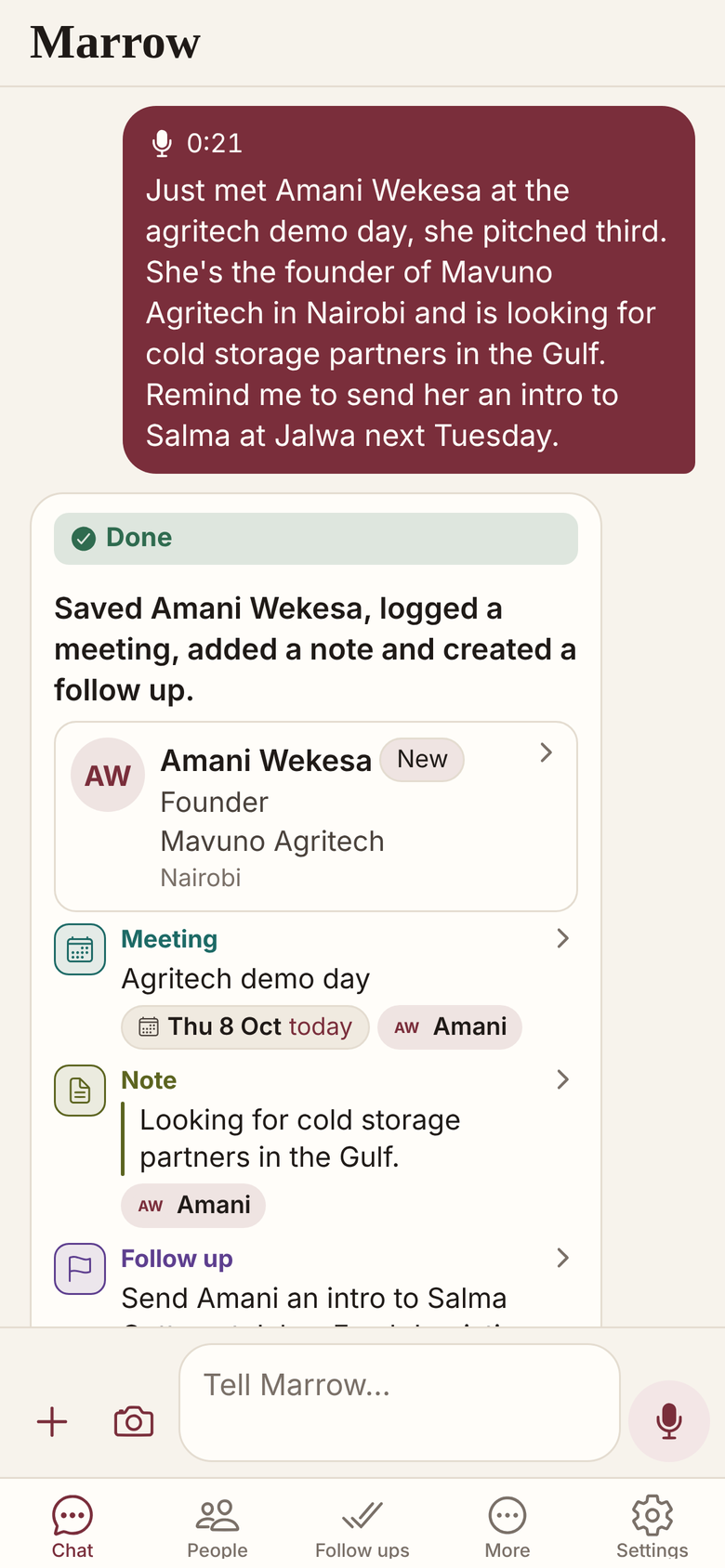
Marrow files it and says what it saved, so a misheard name shows at once.
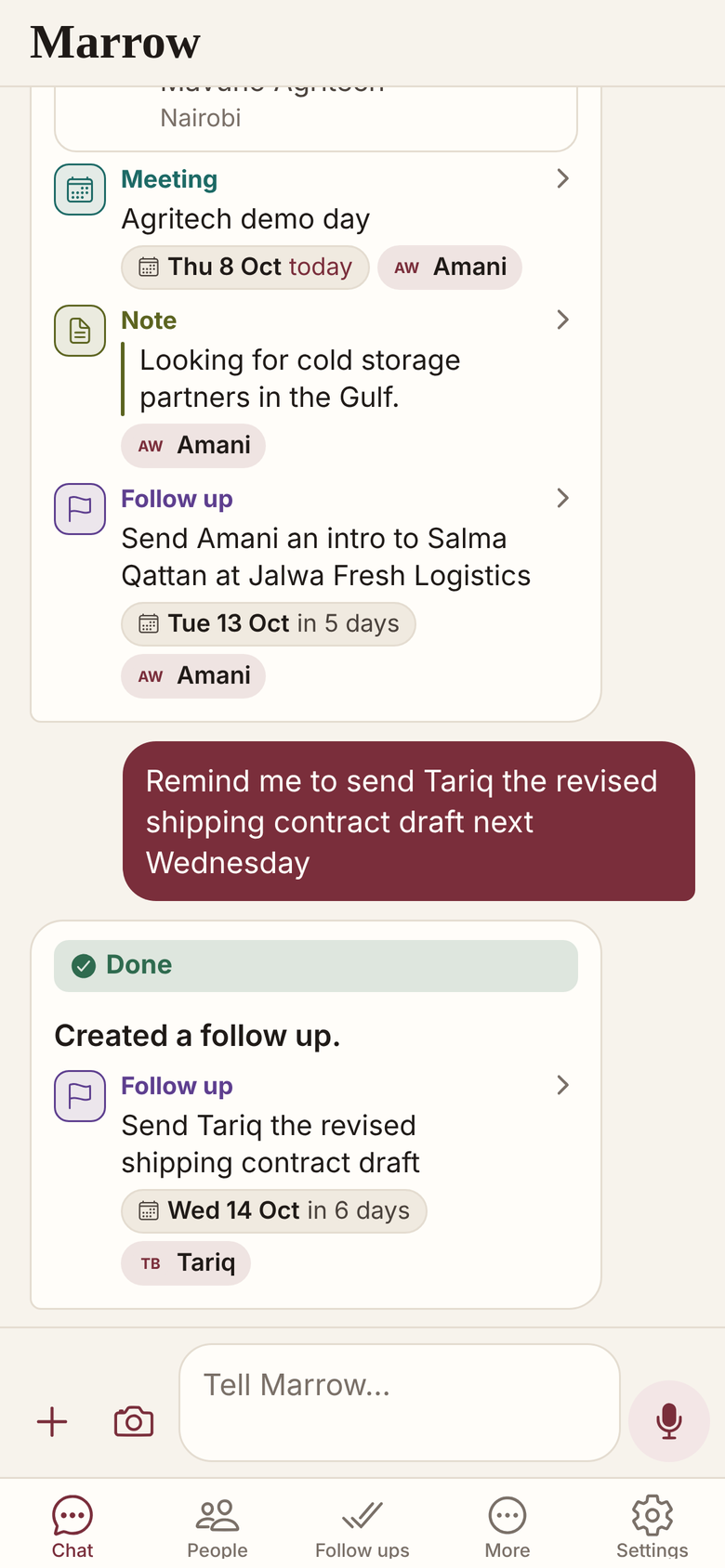
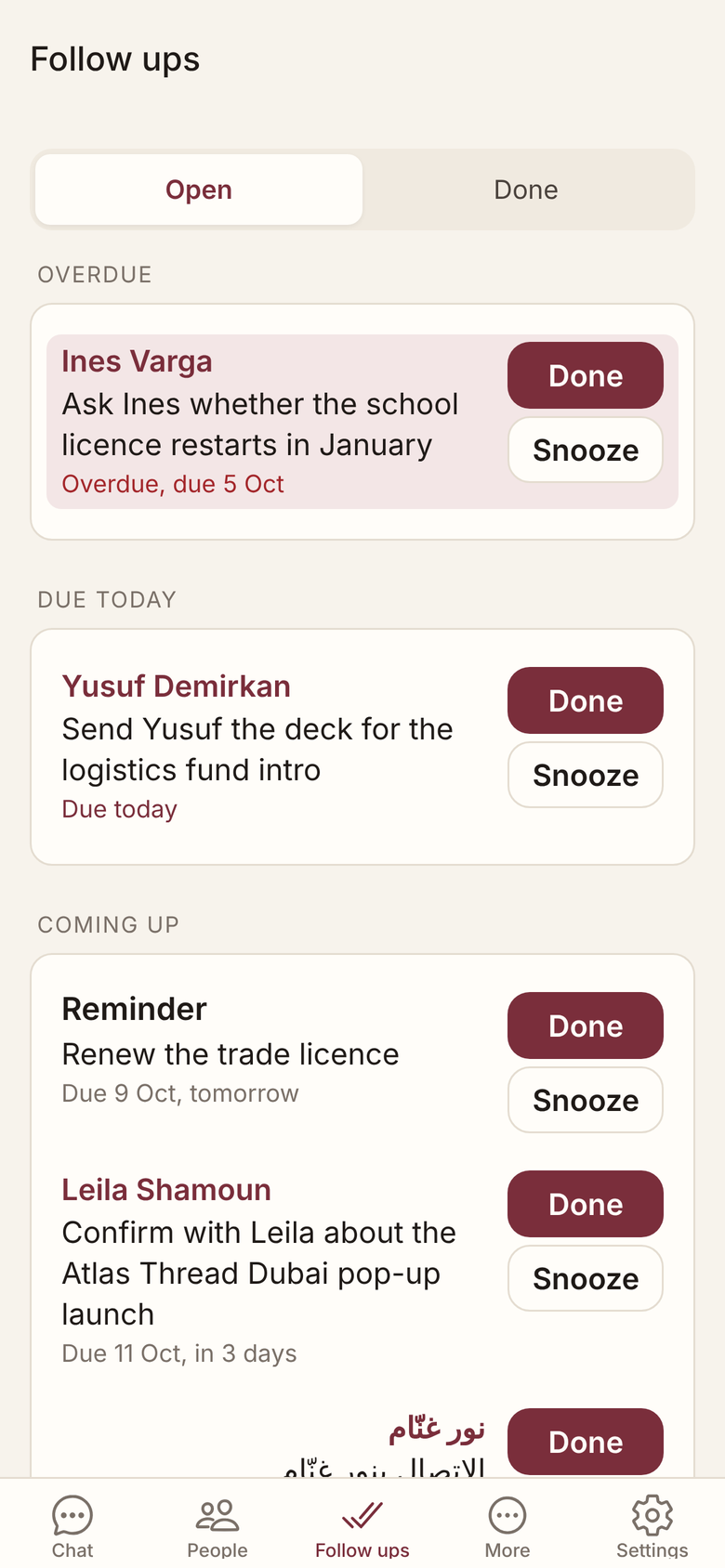
It reminds you at the time you set, in the app or on Telegram.
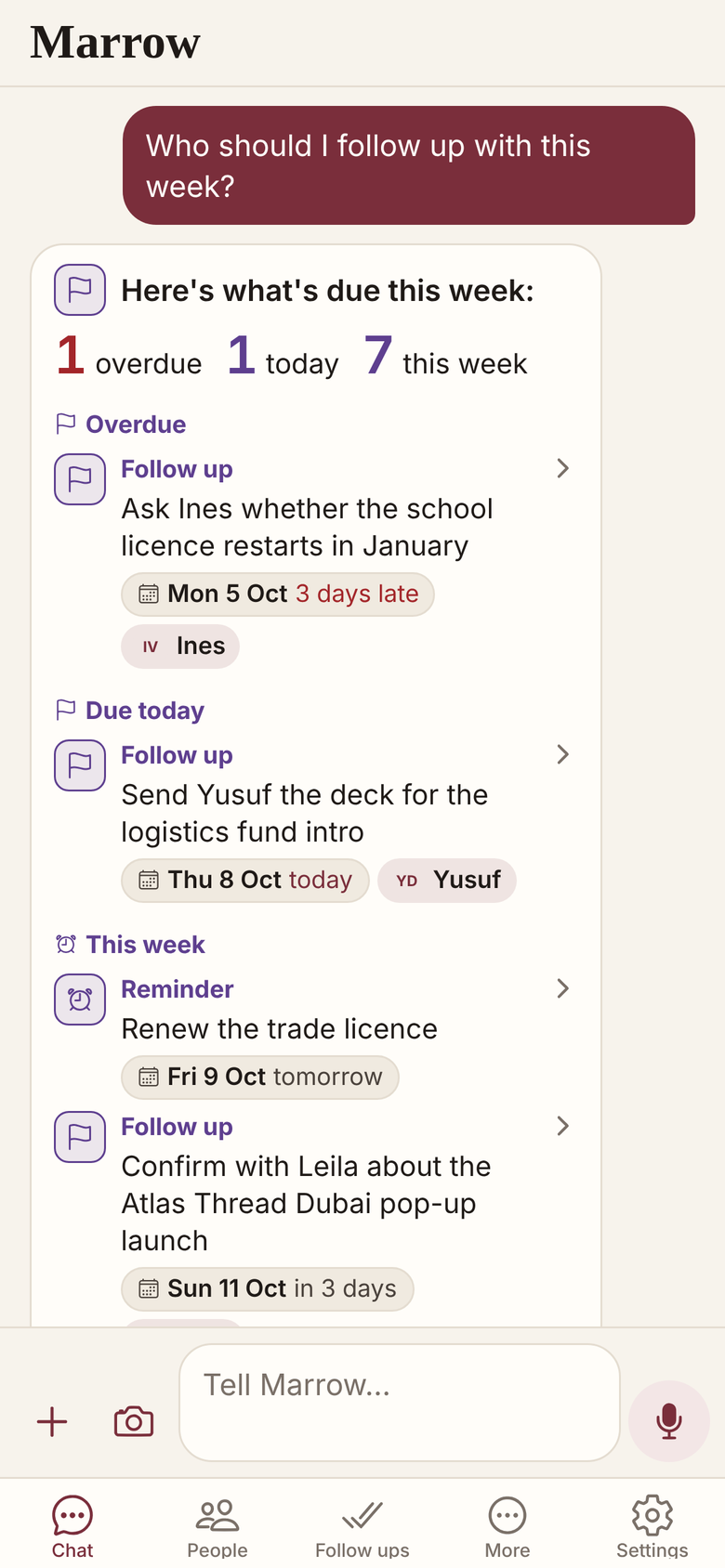
Ask it anything about your own network, in English or Arabic.
Everything you send becomes a record
| You send | Marrow does |
|---|---|
| A voice note, in English or Arabic | Files the person and the context, and sets the follow up with a date |
| A photo of a business card | Reads the name, role, company, phones, email, website and address into a person |
| Several cards in one message | Saves them person by person and says what it saved for each |
| A screenshot of an email or chat thread | Files the people, logs the thread once and turns a dated promise into a follow up |
| A contacts file (vCard, CSV or Excel) | Imports the people, matching the ones you already have |
It comes back when it matters
- A daily brief at the time you choose. On Mondays, the week ahead.
- Reminders as a notification or on Telegram, whichever you choose.
- A brief before a meeting, when you ask: the history, what is open, their company.
- Answers about who you know, what you promised and who has gone quiet.
Lookups count; nothing is sent for you
- Marrow is in Beta. When it is unsure who you mean, it asks.
- No person is looked up unless you ask, except a profile link you give Marrow with one person or a few, which it reads straight away and counts as a lookup (switch this off in Settings). Asking about a company, or for a brief before a meeting, runs a company lookup when Marrow has no recent brief of it, and it counts.
- It does not read your email or your calendar, and it sends nothing on your behalf.
Related
Get Marrow on your phone.
Install the app, sign in with your email, and send it the last business card you are still carrying. Marrow is in Beta.