One chat files people and follow ups
Open Marrow on your iPhone or Android phone and tell it, in a chat, about the people you meet. It files the person, the context and the follow up, and the other tabs show what it kept.
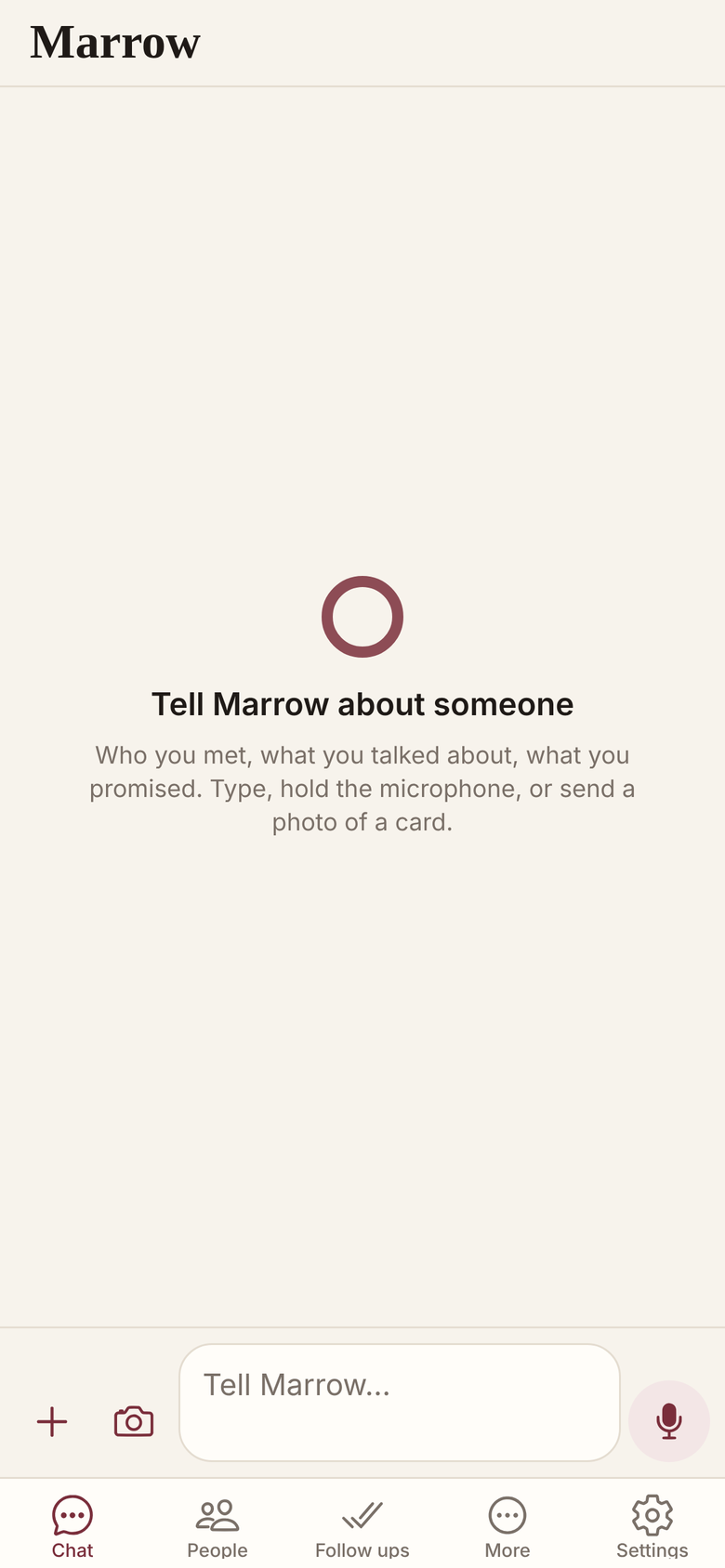
Every reply says what it saved
Type, record or photograph in the chat; the reply opens with a line for each thing it saved.
- Hold to record, slide to cancel, or tap the camera.
- One question per bubble; some come with buttons.
- Up to 20 photos a message, each opens full screen.
- People, Follow ups and More hold what it filed.
Nothing is asked until you choose
Sign in with your email and a code. Each permission is asked the first time a feature needs it.
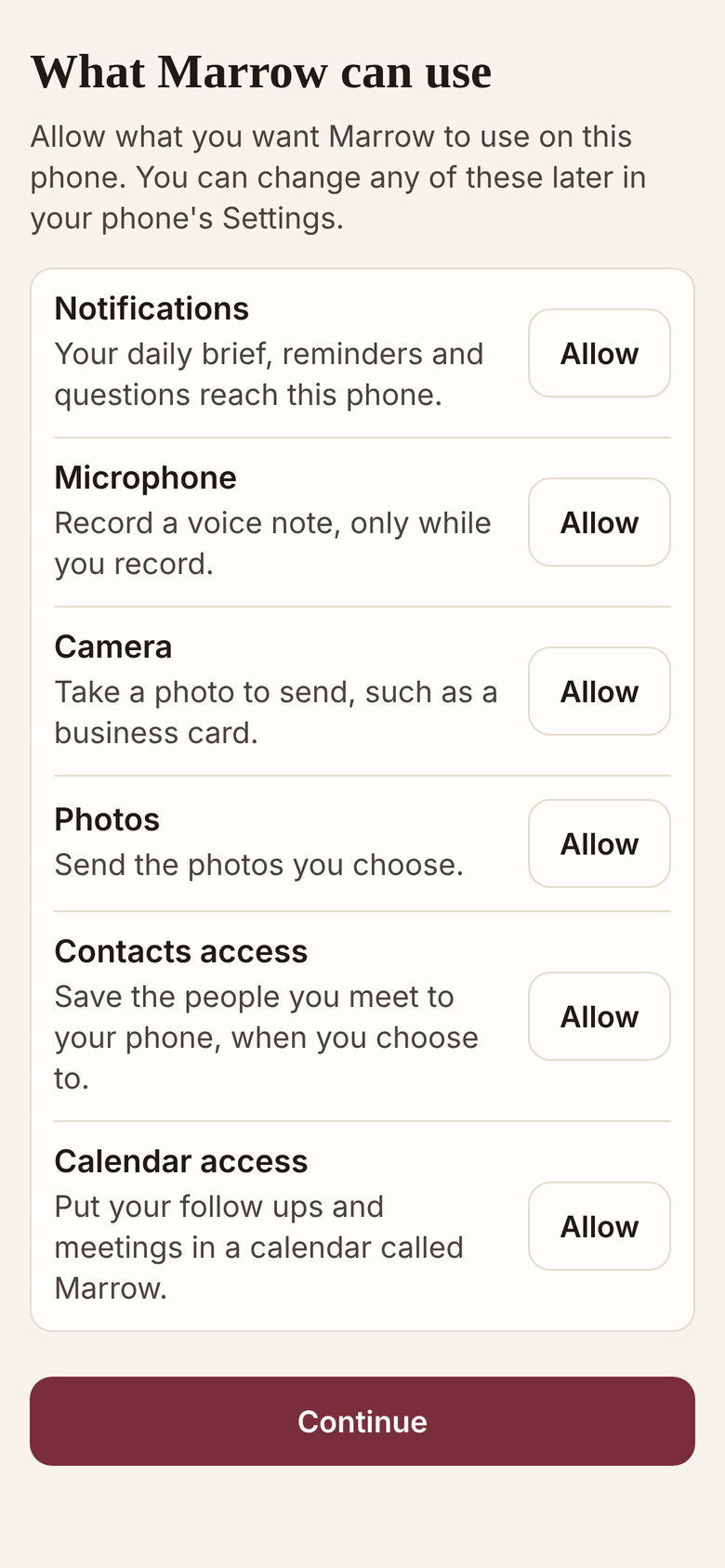
Plans are bought on the web
The app is for phones and in Beta; it sells nothing inside, and Settings exports your record.
- Buy a plan on pricing or from Telegram.
- Export everything in Settings: one JSON file of your record.
Related
- Voice notes
- People
- Follow ups and reminders
- Telegram
- All features
- How Marrow works
- Personal CRM on Telegram
Get Marrow on your phone.
Install the app, sign in with your email, and send it the last business card you are still carrying. Marrow is in Beta.