One conversation, app and Telegram
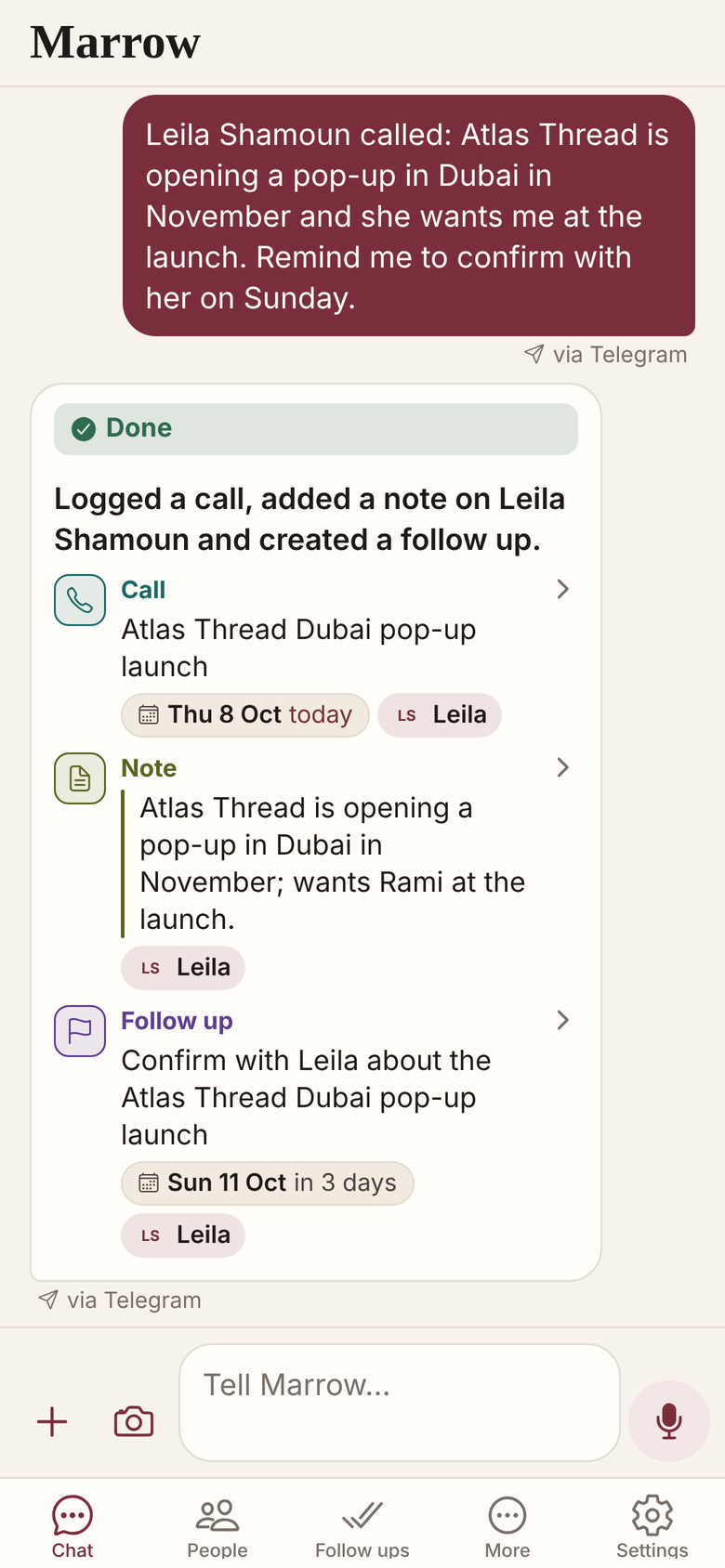
Yes: you can talk to Marrow on Telegram as well as in the app, with one account and one conversation. What you send on Telegram shows in the app marked via Telegram, with Marrow's reply.
Join the two with a code
In the app, open Settings, Telegram, Get a link code, and send it to Marrow on Telegram within 10 minutes.
- Start on Telegram without the app, if you like.
- An email verified on Telegram lands on the same account.
- Export everything and buy a plan from Telegram.
- Its browser view lists people, follow ups and deals.
Choose where Marrow reaches you
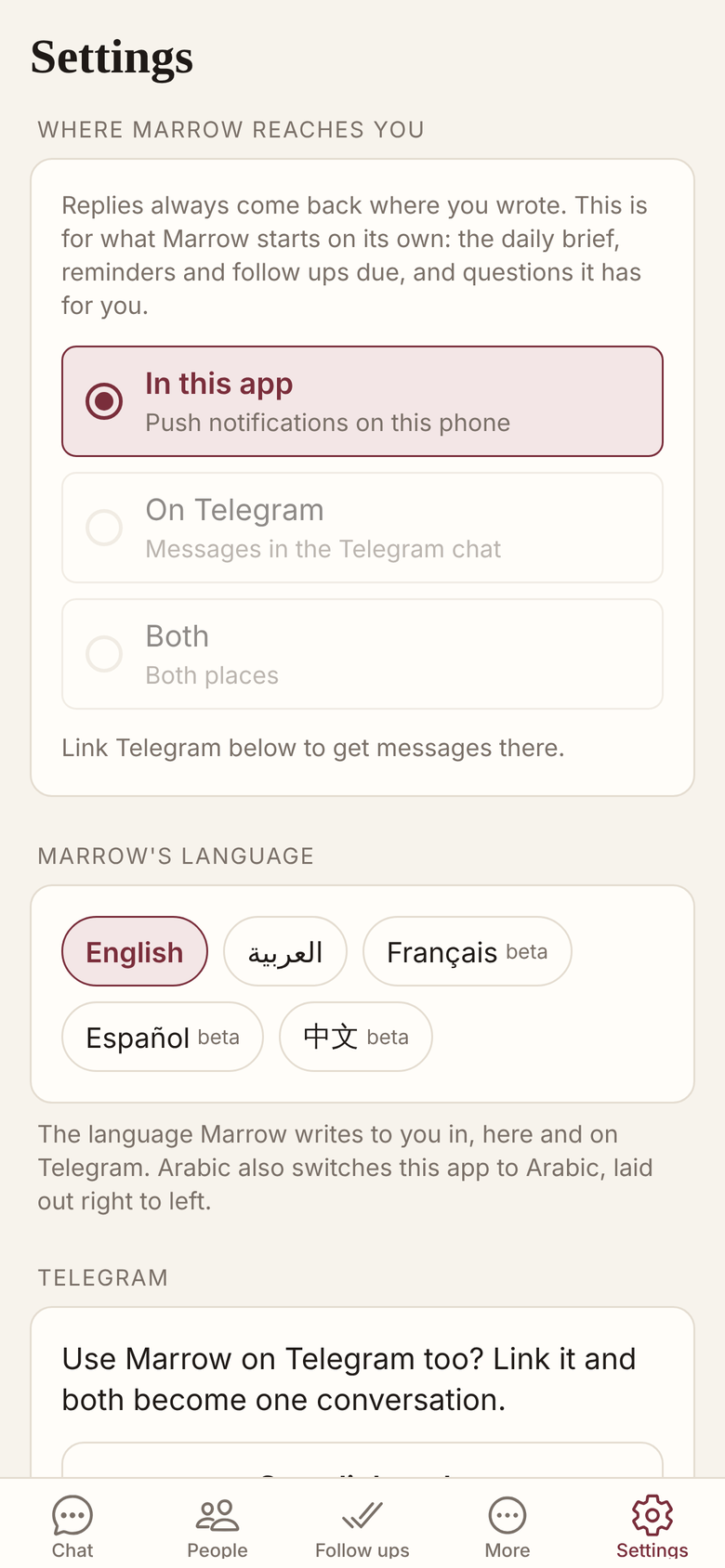
The brief, reminders and Marrow’s own questions go to the app, to Telegram or both, as you set.
What crosses over, and what does not
A message sent in the app is not copied into Telegram, though the next message on either side sees everything.
- A bot cannot write first; you start the chat1.
- Phone contacts and calendar are the app’s alone.
- Marrow is in Beta on both sides.
Related
- The app
- Voice notes
- Briefings
- Arabic and English
- All features
- Questions before you start
- Personal CRM on Telegram
Get Marrow on your phone.
Install the app, sign in with your email, and send it the last business card you are still carrying. Marrow is in Beta.
Marrow is also on Telegram: @UseMarrowBot. The app and Telegram share one conversation.
Sources
- "Bots can't start conversations with users. A user must either add them to a group or send them a message first." core.telegram.org, verified 9 October 2026.