Send what you have instead of typing
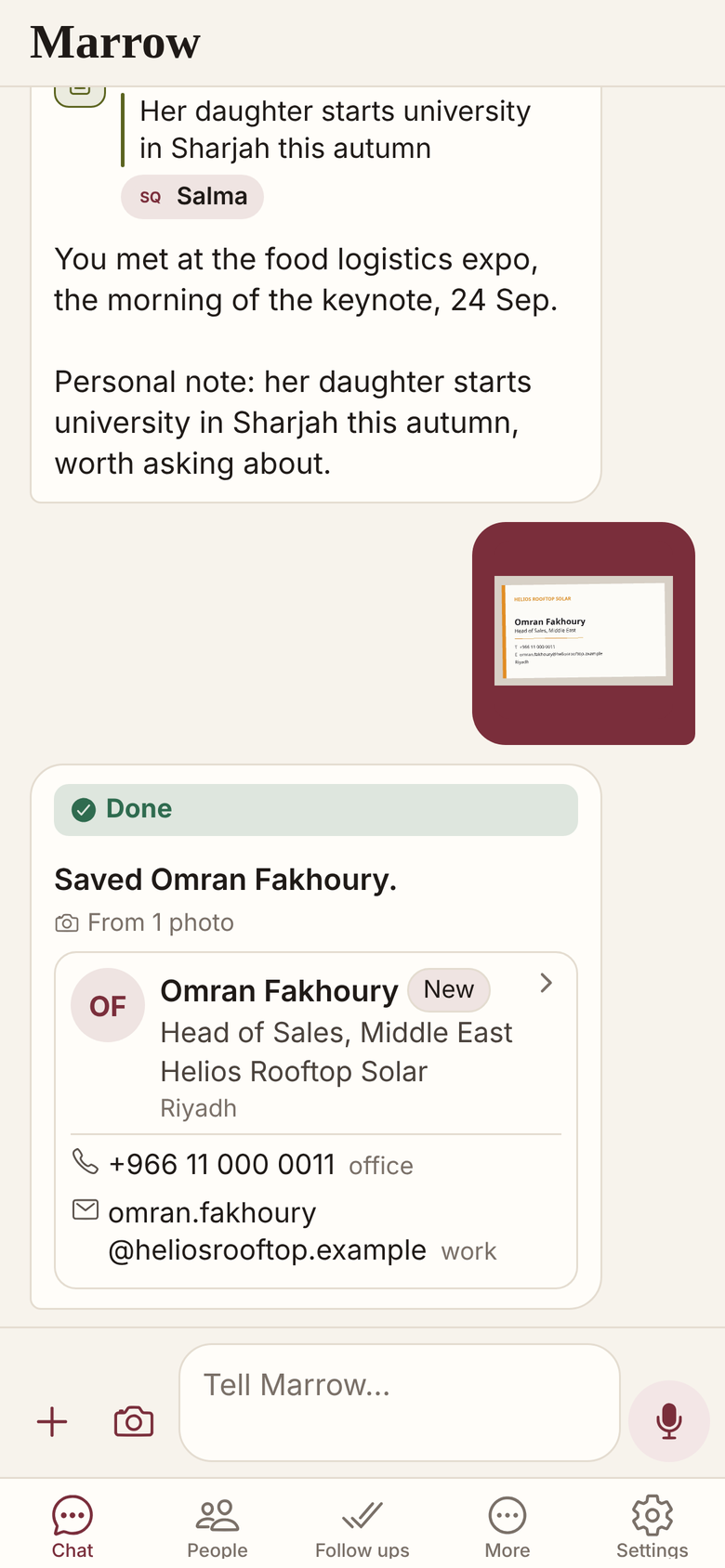
Yes. In Marrow you send a voice note, a card photo or a screenshot, and it files the person, the context and the follow up. A share from another app arrives as a draft, and Marrow asks a short question only when it needs your word.
Four ways in, and no form
Send a voice note, a card photo or a screenshot, and Marrow files the person, context and follow up.
- Hold the microphone and say who you met.
- Card photo: name, role, company, email, phones, website, address.
- Screenshot an email or chat thread.
- A share from another app arrives as a draft.
What still needs a word from you
No typing does not mean no answers: Marrow still needs a day, a correction, or a yes or no.
- A day for the follow up: say next Tuesday.
- A correction, in one line in the chat.
- A lookup you ask for waits for your yes.
- A profile link you hand over is read straight away.
Where it stops
You can still type to Marrow, and reading photos and speech can go wrong, so glance at each reply.
- Marrow is in Beta.
- One person’s record, no shared workspace.
Related
Get Marrow on your phone.
Install the app, sign in with your email, and send it the last business card you are still carrying. Marrow is in Beta.