Every card becomes a person
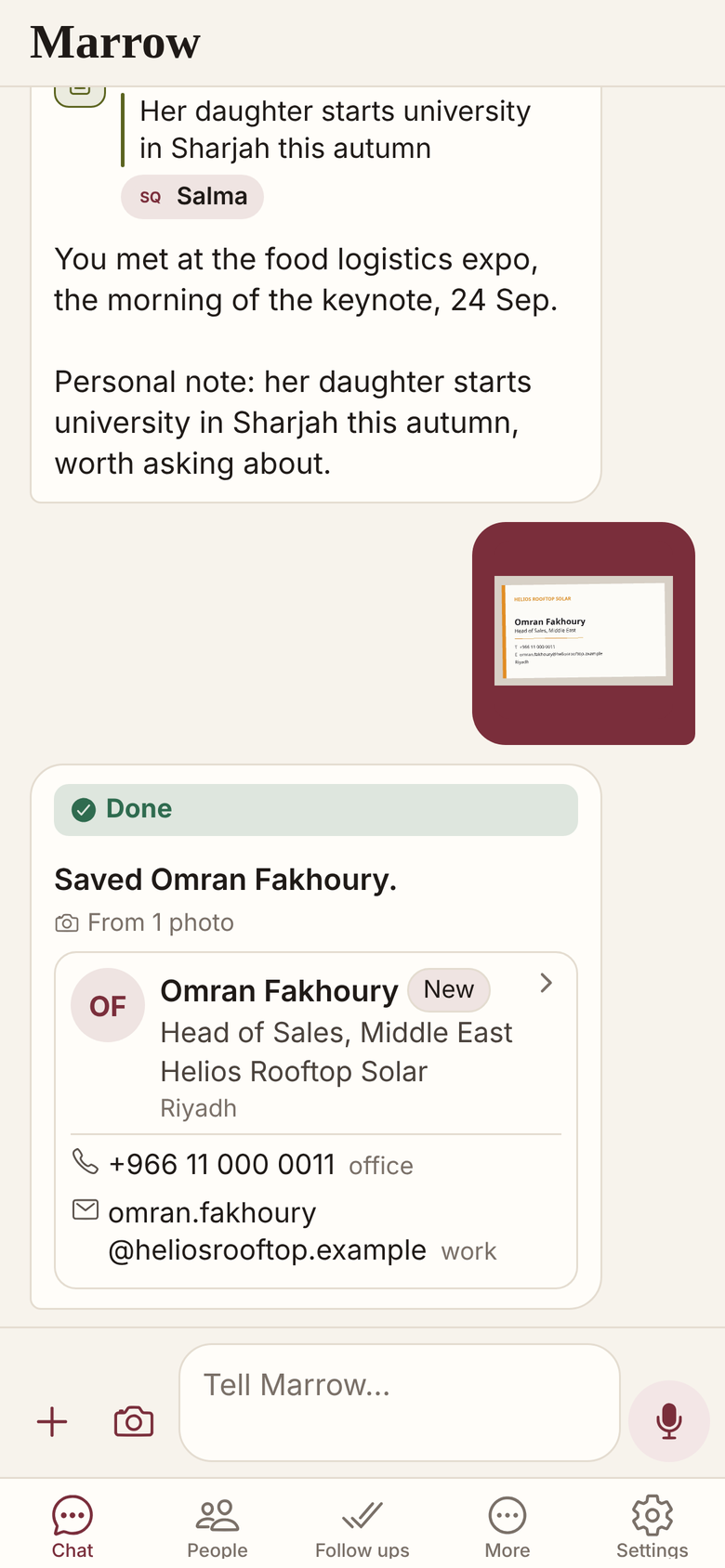
Photograph a business card in the Marrow chat, or choose one from your photos. Marrow reads it into a person, says what it saved, and asks whether to look up their public profile.
Every field on the card, filed
Name, role, company, email, website, address, PO box and city go into the person, with every phone and its label.
- A QR code is read, and wins over the print.
- A badge counts; an Arabic only card stays Arabic.
- Hard to read? Marrow asks before it files a guess.
- With the writer on, it goes to your phone’s contacts.
A stack of cards, one line each
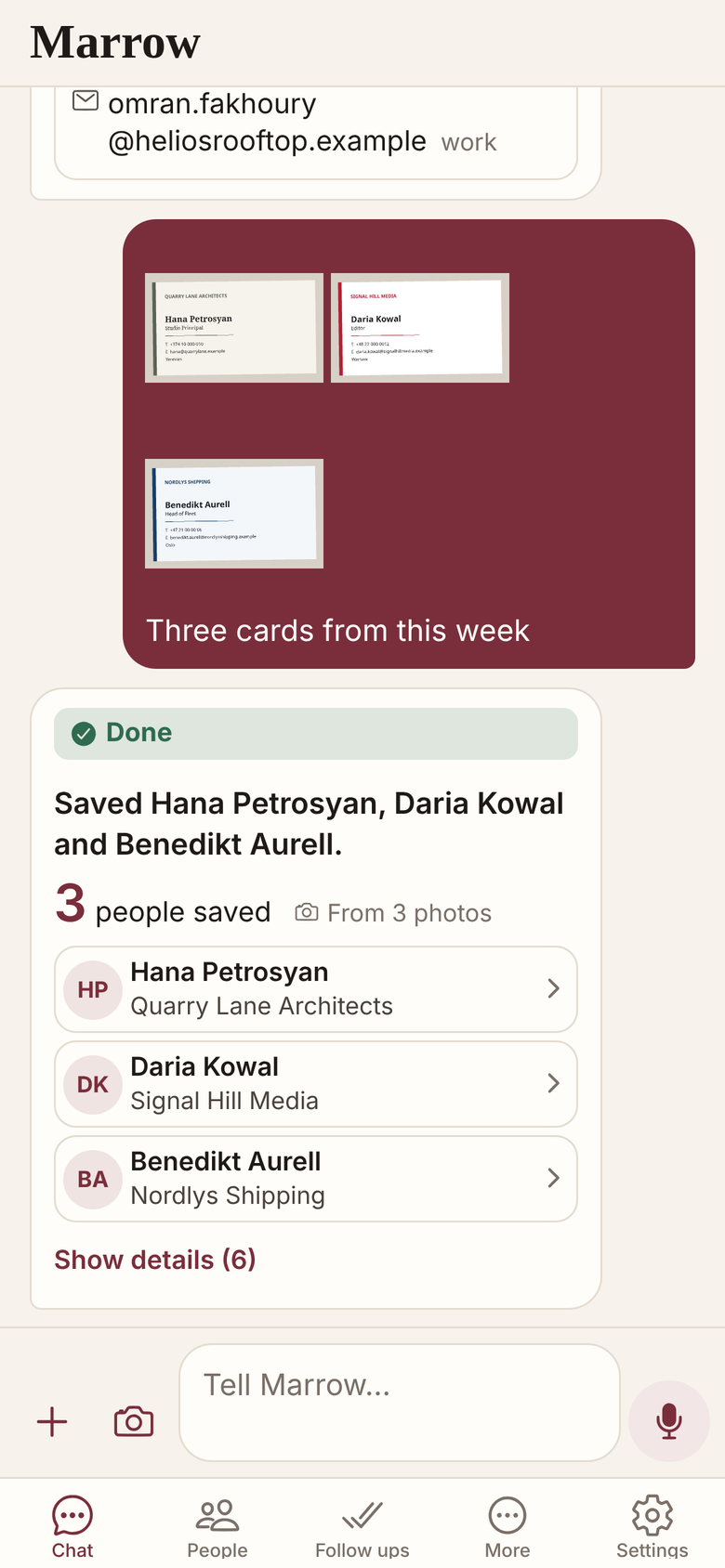
Up to 20 photos in one message; several cards in one photo become several people, each on its own line.
Each photo counts against your plan
Photos count: 100 a month on Standard. A card’s QR profile link is read at once, as a lookup.
- JPEG, PNG or WebP, up to 10 MB each.
- Other lookups run when you say yes, and count too.
- A cleaned copy is kept 30 days, then deleted.
- In Beta: read the reply for a misread field.
Related
- Screenshots and threads
- Enrichment
- Contact sync
- People
- All features
- Clearing a business card backlog
- A CRM with no typing
- Business cards after a trade show
Get Marrow on your phone.
Install the app, sign in with your email, and send it the last business card you are still carrying. Marrow is in Beta.