A screenshot becomes people and follow ups
Send Marrow a screenshot of an email or chat thread from the chat. It files everyone in it, logs the thread once with its date, and turns a dated promise into a follow up.
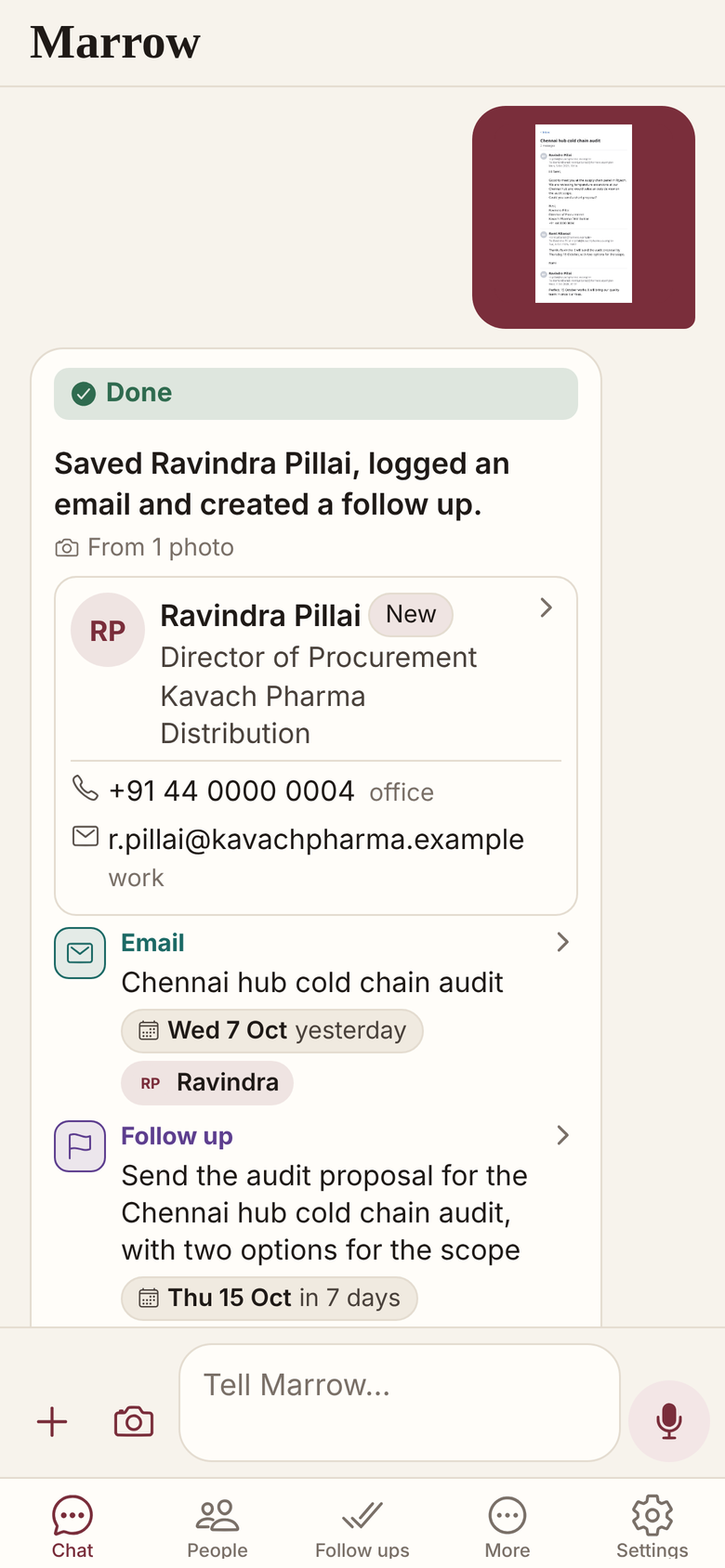
Everyone on the thread, filed
The sender and everyone on To and Cc are described and filed, or matched to people you have.
- The thread is logged once, with a short summary.
- A dated promise becomes a follow up on that day.
- A stored role or company is not overwritten.
- A newsletter is recognised, and nobody is saved.
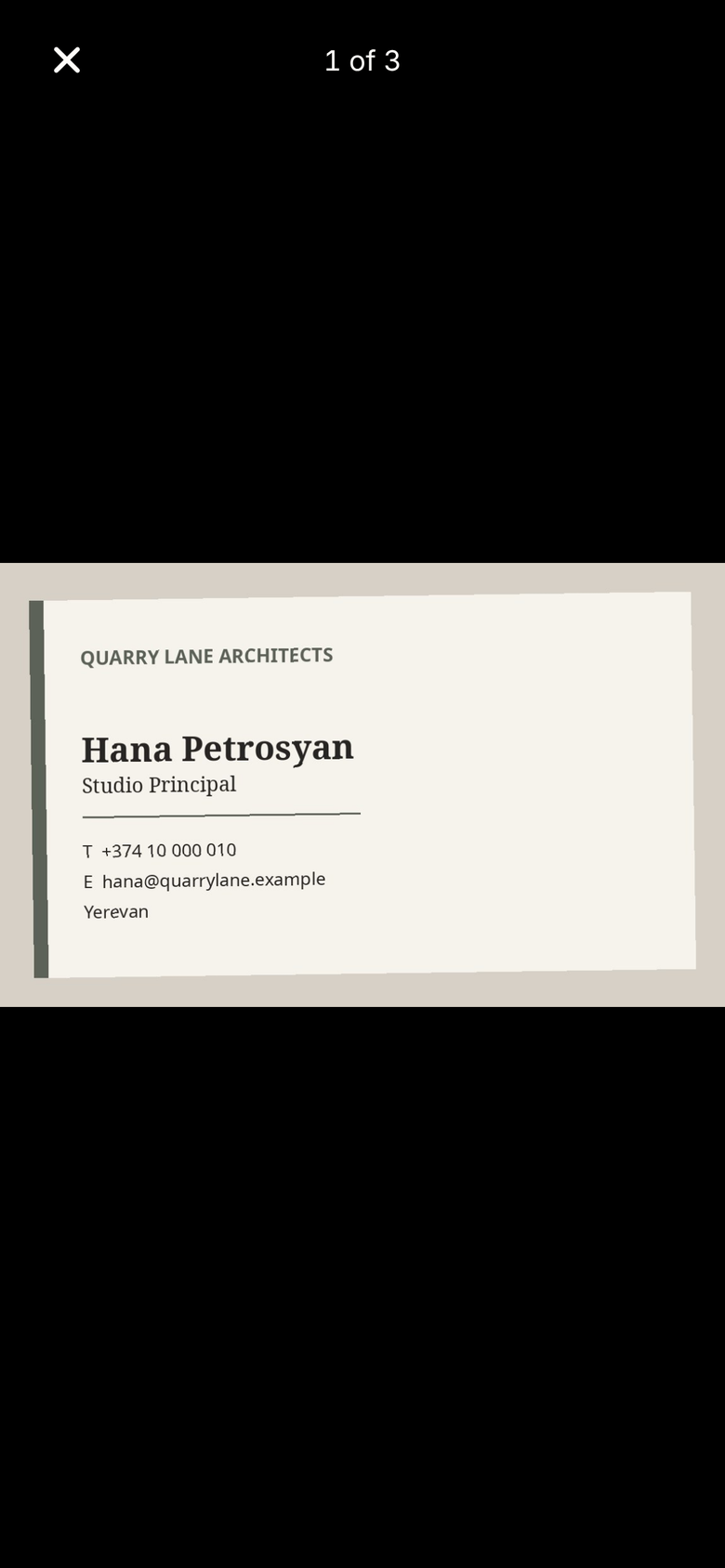
Check what was read, full screen
Tap a photo in the chat to see it full screen; double tap to zoom, and swipe down to close.
Marrow knows what you show it
It does not read your mailbox, and it drafts a reply when you ask but does not send one.
- JPEG, PNG or WebP up to 10 MB.
- Up to 20 in a message, each counted against photos.
- Marrow is in Beta: check who was filed.
Related
- Business cards
- Follow ups and reminders
- People
- Voice notes
- All features
- After sending a proposal
- Screenshot to contact
- How to turn a screenshot into a contact
Get Marrow on your phone.
Install the app, sign in with your email, and send it the last business card you are still carrying. Marrow is in Beta.