Follow ups in your phone's calendar
Switch on "Marrow writes follow ups to this phone's calendar" in Settings. Your open follow ups and the meetings ahead appear in your phone's calendar, and they move when they change.
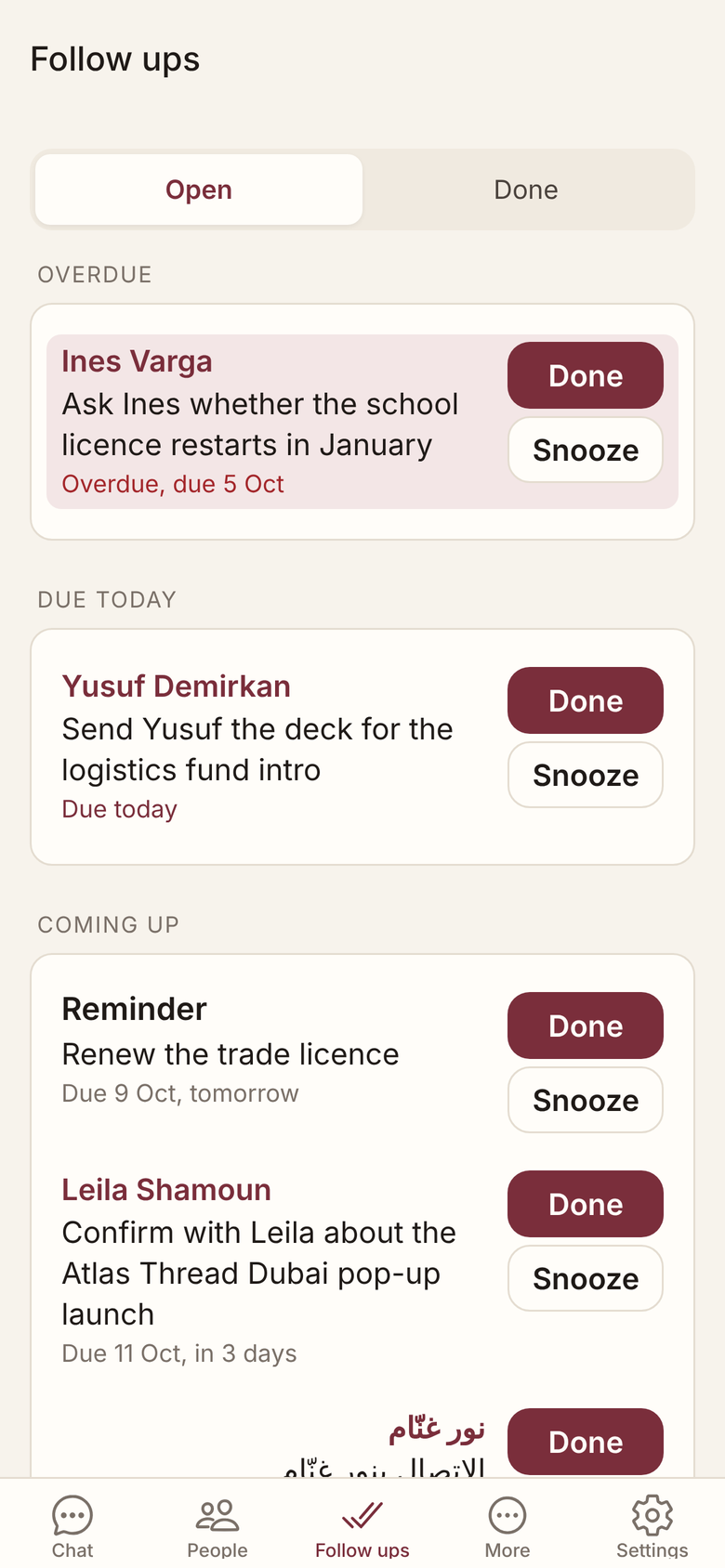
Follow ups and meetings, in your calendar
The first write asks whether to use Marrow’s own calendar or a calendar already on your phone.
- A follow up is a 15 minute slot, marked free.
- A meeting ahead is busy, reminded 30 minutes before.
- Done and Snooze in Marrow move or clear the entry.
Your other events stay untouched
Marrow reads the names of your calendars to offer them, not their events, and changes nothing but its own events.
- Off until you switch it on in Settings.
- Switching off removes the calendar Marrow made.
- Events in a calendar you picked stay there.
- Prep comes when you ask; Marrow is in Beta.
Related
Get Marrow on your phone.
Install the app, sign in with your email, and send it the last business card you are still carrying. Marrow is in Beta.