Photograph a card and download the contact, without uploading the image
Take a photo of the card below, check the fields the reader fills in, and download a vCard for your phone or a CSV row for a spreadsheet. The reading happens in your browser, so the image does not leave your device and nothing is stored.
Photograph the card, let the reader fill in the fields, correct what it got wrong, and download the contact. The reader is open source OCR running in this page.
The image does not leave your device and nothing is stored. Close the tab and it is gone.
Choose an image to begin.
What the reader saw, line by line
What happens to the image
The photo is read by Tesseract, an open source OCR engine, compiled to run inside your browser. The page downloads the engine and the language files from usemarrow.com when you press the button, and from nowhere else: about four and a half megabytes for English, and nearly two more for Arabic.
The image is held in the page’s memory while it is read. It is not sent to Marrow or to anyone else, it is not saved in the browser, and clearing the form or closing the tab drops it. The reader keeps nothing in the browser’s storage; your browser may keep its usual cached copy of the engine files for up to a week, like any file from a website.
If the reader cannot start in your browser, or stops answering, the page says so and the fields open empty. Type them in and download the contact the same way.
How the fields are filled
The reader returns lines of text. Simple rules sort them, and you correct the result:
- Email: anything shaped like an address with an at sign.
- Phones: runs of digits long enough to be a phone number, with any labels such as Tel or Mob removed. Arabic digits are converted.
- Website: anything that starts with www or http, or ends in a common domain.
- Company: a line with a company word in it, such as Ltd, Group, Partners, Logistics or شركة. Failing that, the line left over after name and role.
- Role: a line with a job word such as Director or مديرة. Name: the line just above the role, as most cards print it, or else the first line left.
- Address: a line with a street word or a comma, plus anything still unplaced.
Lines too short to be words, and the repeated marks a coloured bar or a printed rule can leave, are skipped.
The vCard is version three, a common format for contact files. The CSV is one header row and one contact row, in UTF-8 so Arabic stays Arabic.
Accuracy
We measured the reader on 9 October 2026 with four invented cards: two printed in English, for Omran Fakhoury and Salma Qattan, and two in Arabic, for Noor Ghannam and Leila Shamoun. Each card carries seven fields: name, role, company, email, phone, website and city.
Each card went through this page twice, as a clean image and as a photo like copy: tilted slightly, lower in contrast, unevenly lit and grainy. A field counted as right when it matched the card exactly, ignoring capital letters and Arabic vowel marks; a near miss counted as wrong.
| Card | Clean image | Photo like copy |
|---|---|---|
| Omran Fakhoury, English | All seven fields | Six; the phone number lost its last digits |
| Salma Qattan, English | Six; one letter of the email was wrong | Six; a stray line joined the city |
| Noor Ghannam, Arabic | Five; the phone lost digits and the company had one wrong letter | One, the role |
| Leila Shamoun, Arabic, phone in Arabic digits | Four; no phone, one wrong letter in the company, a stray line in the city | Three: the name, the role and the email |
The English cards came out far better than the Arabic ones, and the clean images better than the photos. Each card took about a second or two from the press to the result, on a desktop computer that served the files to itself; on a phone, where the files come over the network, expect it to take longer.
Check every field before you download. Expect most of a clean printed English card to come out right, and expect to retype parts of an Arabic card. The reader struggles with logos, script fonts, low contrast, glare, curved cards and text printed over a picture.
The same thing in the Marrow app
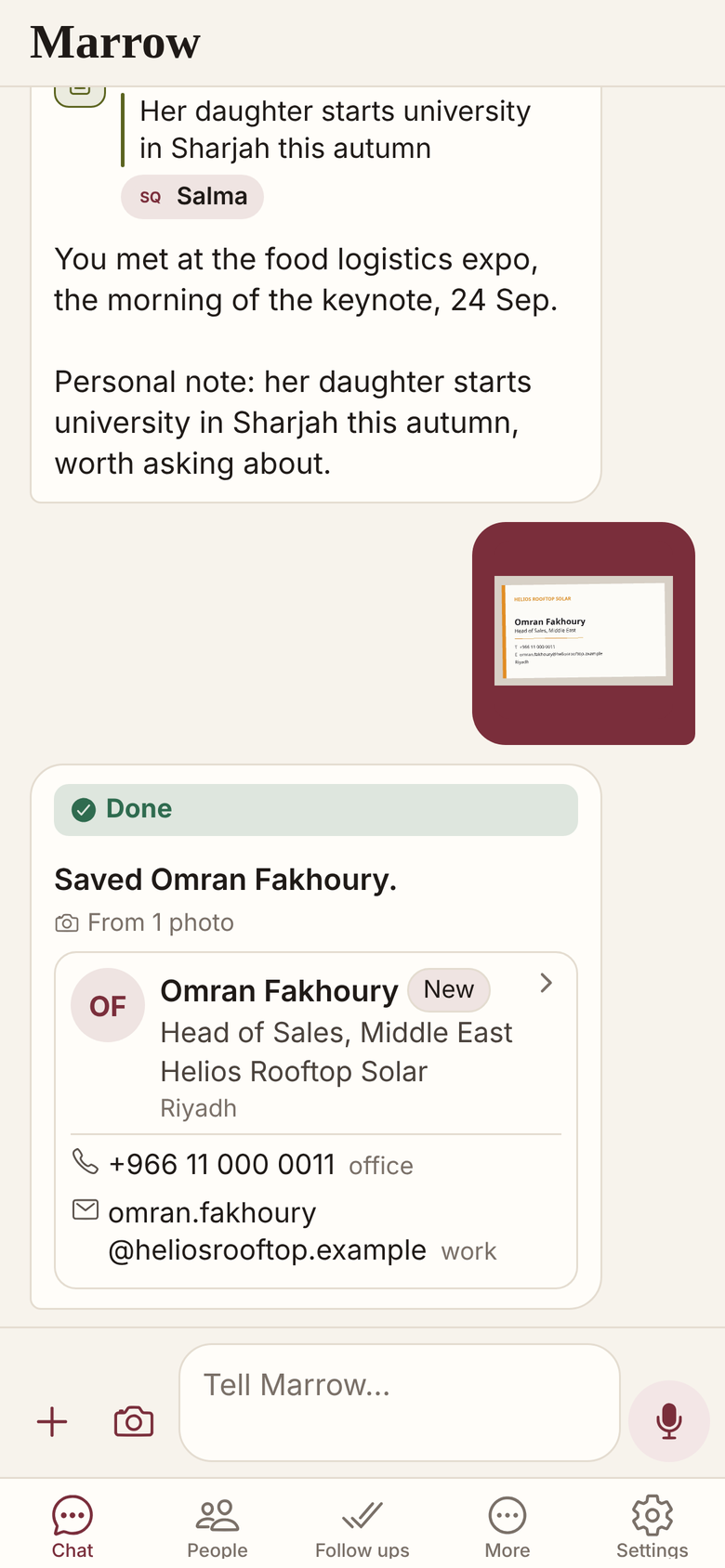
The Marrow app does more with the same photo: it files what you said about the person and the follow up, and it asks when it cannot read a name. Unlike this page, the app sends the photo to Marrow to be read, and keeps a cleaned copy for 30 days so the chat can show it. Marrow is in Beta. This tool is for people who do not want an app; it is free and needs no account.
Related
Get Marrow on your phone.
Install the app, sign in with your email, and send it the last business card you are still carrying. Marrow is in Beta.